
As an Amazon Associate, we earn from qualifying purchases. This helps support our site at no extra cost to you.
Use the golf cart tow/run switch setting specified for the exact task and installed system. Charging, long-term storage, towing and electrical service are separate procedures. A setting that is correct for one can be wrong for another, even when the switch has the same two labels.
For an owner, the useful first step is to identify the cart and save its instructions before touching the toggle. Our October 23, 2026 comparison of three manufacturer-hosted manuals found different storage positions and two easily confused waiting periods. Below is the evidence, followed by a worksheet for recording your own cart's approved settings. We did not test switches or service these vehicles.
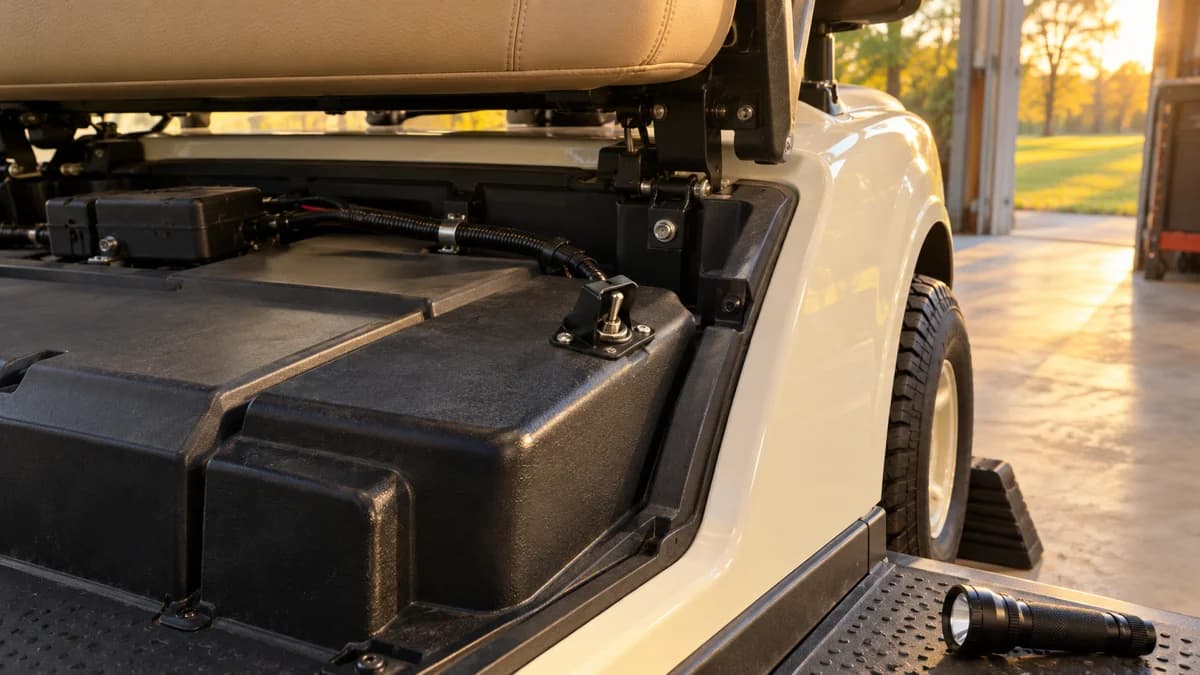
Hero: AI-generated editorial illustration. It does not identify a specific model's switch, wiring or service layout.
Golf cart tow/run switch: three manuals compared
We downloaded the documents below on October 23 and compared their control, charging and storage sections. The sample intentionally includes a flooded-battery AC cart, an older lithium PTV and a newer lithium RXV. It is a small document comparison, not a representative survey, an electrical test or a brand reliability ranking.
| Identified manual | Decision-relevant finding |
|---|---|
| Yamaha 2027 DR2 AC, J0J-F8199-38-E0 | TOW before charging and for storage; 15-second switch delay |
| Yamaha 2022 DR2 PTV POWERTECH AC IRS Li, J5C-F8199-10 / LIT-19626-A2-17 | TOW before charging and for storage; charger disconnected during storage |
| E-Z-GO RXV ELiTE, model year 2027+, 10193239-B | RUN for storage; TOW used in its specified recovery procedure |
Sources: Yamaha DR2 AC manual, Yamaha lithium PTV manual, and RXV ELiTE revision B. Read the cover as well as the relevant section. The lithium Yamaha document is explicitly a 2022 example, not a claim about every current Yamaha lithium model.
Our original finding is the combination: the two lithium examples specify different storage-switch positions. “Lithium” does not identify the complete control and charging system. Choose the matching procedure as a whole rather than assembling favorite steps from different manuals.
The Yamaha manual library and E-Z-GO owner library are starting points. A library listing or a familiar model name still needs a serial, year and powertrain match.
Identify the control without guessing from its appearance
Photograph the vehicle identification label, battery label, charger identification and the switch's original labels. Use our serial-number guide and E-Z-GO model-year guide to organize the vehicle details. Confirm any lithium conversion or replacement controller with the installer.
On the RXV document above, the control is on the cover below the passenger side of the seat. That is a documented location for that manual, not an instruction to remove every plastic panel on an unfamiliar cart. Find the diagram first. If the switch is unlabeled, loose, corroded or attached to visibly altered wiring, stop identification at photographs and ask a qualified repairer.
For a Yamaha, distinguish the AC and lithium documents rather than selecting by the Drive2 name alone. For an E-Z-GO, identify the powertrain and generation; our TXT versus RXV guide explains why those names are not interchangeable. For a Club Car, obtain its own matching manual. This comparison contains no Club Car switch specification.
Do not identify a replacement from color, toggle shape or pin count alone. A seller's compatibility title is not a controller wiring diagram. Record the original part number and have the supplier confirm the application in writing before ordering.
Golf cart tow/run switch settings for charging
The Yamaha AC manual's charging section, printed page 30, explicitly calls for TOW before charging. The older Yamaha lithium PTV document gives that instruction on printed page 30 as well, while requiring the Yamaha lithium charger specified for that vehicle. Matching page numbers do not make the chargers interchangeable.
The RXV document's charging section, printed page 32, specifies key OFF, an approved lithium charger and its connection procedure. We do not turn the absence of a separate switch-setting instruction in that section into permission to invent one. Match the complete manual and labels, and ask E-Z-GO to clarify any uncertainty for your configuration.
A useful charge-session note has four entries: cart identity, battery identity, charger identity and the approved switch position. If one is unknown, resolve it before substituting a charger or experimenting with switch positions. Our charger-plug compatibility guide explains why a connector that fits does not establish electrical compatibility.
If charging fails, record the actual lights or fault text and whether the problem began after storage, a battery change or other work. Continue with the charger light-code guide and charging-port checks. Repeatedly flipping the switch is not evidence that the charger or battery is healthy.
Storage mode needs a separate instruction
The AC Yamaha's printed page 45 uses TOW and gives its own battery-care schedule. The 2022 lithium PTV's printed page 50 also uses TOW, but says to leave the charger disconnected during storage and provides duration-dependent battery conditions. Those are separate battery instructions despite the same switch position.
The RXV ELiTE's storage preparation on printed page 33 specifies RUN, key OFF and accessories off. Its later storage instructions must also be read; the switch position alone is not a complete winter plan. Do not transfer this result to an older RXV, TXT or aftermarket battery conversion.
Write down the approved connection state as well as RUN or TOW. “Plugged in,” “charger disconnected,” “battery shutdown” and “accessories off” answer different questions. A remote monitor, fan or added light circuit also belongs in the equipment list, especially on a modified cart.
Our winter-storage guide covers the broader seasonal preparation. If charge falls while parked, use the battery-drain worksheet to describe the time and conditions rather than assuming that TOW disconnects every load. A lithium conversion needs the installer's instructions alongside the vehicle manual.
A 15-second switch delay is not a 30-second reset rule
Both Yamaha examples say to wait at least 15 seconds after moving RUN to TOW before switching again. That is a specific switch-transition instruction. Do not shorten it because the dashboard looks ready, or use it as a universal fault-reset sequence.
The RXV switch-operation label on printed page 11 instead gives a 30-second wait after reconnecting batteries before selecting reverse, forward or neutral with the key. Battery reconnection is a different event. We are reporting that distinction, not recommending that owners disconnect batteries to clear a fault.
The practical takeaway is to copy both the duration and what starts the clock into the service note. “Wait 30 seconds” without an event is incomplete. For a cart that will not move, our no-start guide helps record symptoms without turning an unexplained reset ritual into a diagnosis.
TOW mode does not authorize every towing method
The RXV manual separates non-fleet recovery, fleet tow-bar operation and hauling on a trailer or truck on printed page 29. Its non-fleet recovery limit is 5 mph. That limit is not an endorsement of towing behind a road vehicle, and fleet tow-bar instructions are not a substitute for the non-fleet procedure.
Moving a control can also change how a stationary cart is held. The RXV instructions explain the relationship between TOW, the neutral key position and IntelliBrake release. Secure the vehicle exactly as instructed before any release. Do not test whether it rolls on a slope or reach into an unsecured vehicle to change a switch.
A completely unpowered RXV has a separate brake-release procedure reserved in its warning label for qualified trained personnel. Leave that recovery to the appropriate service provider. We do not reproduce a connector-bridging procedure as an owner shortcut.
Tell the recovery provider the exact model, battery condition, whether the wheels roll and whether the brake or steering is damaged. For travel, consult our golf-cart transport guide. If the cart has a changed brake feel or binding wheel, use the brake-maintenance guide to prepare a service description, not to justify dragging it.
Three useful aids for identification and secure parking
These are optional aids, not a switch-repair kit. The exact Amazon listings were checked October 23, 2026. We have not tested these products on the sampled vehicles. Use the links for current prices rather than treating a price copied into an article as a current offer.
Wheel chocks for the approved stationary setup
The MaxxHaul 70472 rubber wheel-chock pair is one option to compare with the requirements of your tire and parking surface. Chock suitability and placement still depend on the vehicle instructions. Chocks do not support a raised cart or make an incline an acceptable work area.
See current MaxxHaul 70472 priceA penlight for reading the original labels
A Streamlight 66118 Stylus Pro can help illuminate an accessible label or control without removing a cover merely to see better. Keep any light outside exposed electrical connections. This recommendation is for identification in a safe, dry area; it is not a claim of hazardous-location certification.
See current Streamlight 66118 price →An inspection mirror for a hidden identification tag
The Ullman C-2 inspection mirror is useful when an intact label faces away from a comfortable viewing position. It is a metal tool, not insulated electrical equipment. Do not insert it near exposed terminals or use it to move wires; a phone photograph from a safe position may be enough.
See current Ullman C-2 price →Before spending, inventory what you already own. If a technician is already inspecting the cart, ask whether another tool purchase serves any purpose.
Make a control-setting card for your own cart
Complete this card from the matching documents and any written installer clarification. Put a copy with the maintenance record, not across a warning label or inside the battery compartment. Leave an unknown entry blank until it is resolved.
| Field to record | What a useful entry identifies |
|---|---|
| Vehicle and installed system | Serial, year, battery, charger, controller and conversions |
| Document identity | Manual number, revision, model applicability and page |
| Normal charging | Switch position, key state and charger procedure |
| Extended storage | Switch, battery state, charger connection and inspection plan |
| Recovery | Approved provider, brake-release conditions and transport method |
| Waiting period | Duration, triggering event and required conditions |
| Confirmation | Person or manufacturer reply, date and any unresolved question |
A family member preparing a neighborhood cart for winter should not need to infer which of three different manuals you meant. Name the document and task explicitly. When equipment changes, review the card rather than carrying the old settings forward automatically.
For unexplained behavior, save photographs and the fault text before arranging service through our repair directory. The troubleshooting guide helps separate battery, charger and drive-system symptoms. A clear equipment record is more useful than ordering a switch because an online symptom list sounded familiar.
Tow/run switch questions
What does a golf cart tow/run switch do?
It selects a drive-system operating mode on the models covered here. It is not proof that the battery and accessories are electrically isolated. Use the exact vehicle instructions before changing it.
Should I charge my golf cart in RUN or TOW?
Check the matching vehicle and charger manuals. The cited Yamaha AC and 2022 lithium PTV manuals explicitly require TOW for charging. Do not transfer that instruction to another battery or controller system.
Should every golf cart be stored in TOW?
No. The cited Yamaha examples specify TOW, while E-Z-GO RXV ELiTE manual 10193239-B specifies RUN for storage. The battery preparation and inspection instructions also differ.
Where is the tow/run switch on an RXV?
The cited 2027+ RXV ELiTE manual places it on the run/storage-tow cover on the passenger side below the seat. Confirm the layout in the manual for your own serial number.
How long should I wait after moving the tow switch?
The two Yamaha manuals compared here specify at least 15 seconds after RUN to TOW before switching again. The RXV manual's 30-second instruction concerns battery reconnection, a different event.
Can I tow an RXV behind a car in TOW mode?
TOW mode alone does not authorize road or recreational towing. The cited RXV manual separates recovery towing, fleet tow-bar operation and trailer hauling. Follow the complete applicable procedure and transport restrictions.
Can I bypass a tow/run switch that seems faulty?
Do not bridge its wires or bypass a safety-related control. Record the model, switch position, fault display and recent work, then have a qualified technician use the matching service information.
Does TOW stop every source of battery drain?
Do not assume it does. Accessory circuits, battery electronics and modifications need their own approved storage instructions. Measure or diagnose unexpected drain with suitable equipment rather than treating the toggle as a master disconnect.
Golf Cart Search
Find the Best Golf Carts of 2026
Compare top-rated models, read expert reviews, and find the perfect cart for your needs.